For students applying in 2026-27
NSP OTR registration: get your One Time Registration number
One Time Registration (OTR) is the first step for every scholarship on the National Scholarship Portal. It gives you a unique 14-digit OTR number, based on your Aadhaar or Aadhaar Enrolment ID (EID). That one number covers your whole academic career, so you do not register again each year. OTR has been required for fresh and renewal applications since 2024-25. Registration is free, and the OTR module is open all year.
Before you start, know what to have ready and how the three stages work: mobile, eKYC and face authentication. You use two Android apps along the way. If face authentication fails, the portal’s own warnings explain most errors, and a lost OTR or reference number can be recovered.
Start OTR only on the official page: scholarships.gov.in OTR.
What OTR does
According to the official OTR FAQ, OTR:
- is mandatory for all services on NSP
- works as your username when you log in
- is needed to complete face authentication
- links all your Application IDs, so you can see every application and its status under one number
- can be used from a computer, phone or tablet
What you need
| If you have Aadhaar | If Aadhaar is not issued yet |
|---|---|
| Active mobile number | Active mobile number |
| Your Aadhaar number | Aadhaar enrolment slip (EID), or a parent’s or legal guardian’s Aadhaar if you are a minor |
| Mobile number linked with that Aadhaar | Mobile linked with the EID or the parent’s Aadhaar |
| Aadhaar seeded with your bank (desired) | Aadhaar seeded with your bank (desired) |
You also need an Android phone for face authentication, because the NSP OTR app and the UIDAI AadhaarFaceRD app are Android apps on Google Play. The phone does not have to be yours. A parent’s phone, or a phone at a Common Service Centre (CSC), is fine.
Step 1: register your mobile number
Open the official OTR page and choose to register. The official student user manual lists four stages: General Instructions, Register Mobile Number, eKYC Update, Finish. Read the instructions and tick the boxes. Enter your mobile number, request an OTP, then enter the OTP and the captcha.
Step 2: complete eKYC and get a reference number
In the eKYC step you choose whether you have your own Aadhaar or are using an EID, or, for a minor, a parent’s or guardian’s Aadhaar. An OTP goes to the mobile number linked with that Aadhaar or EID. After you verify it, the portal gives you a reference number and sends it to your registered mobile.
The reference number is not your OTR. It is a temporary number that stays valid until you finish face authentication and KYC. Keep the SMS.
Step 3: face authentication in the NSP OTR app
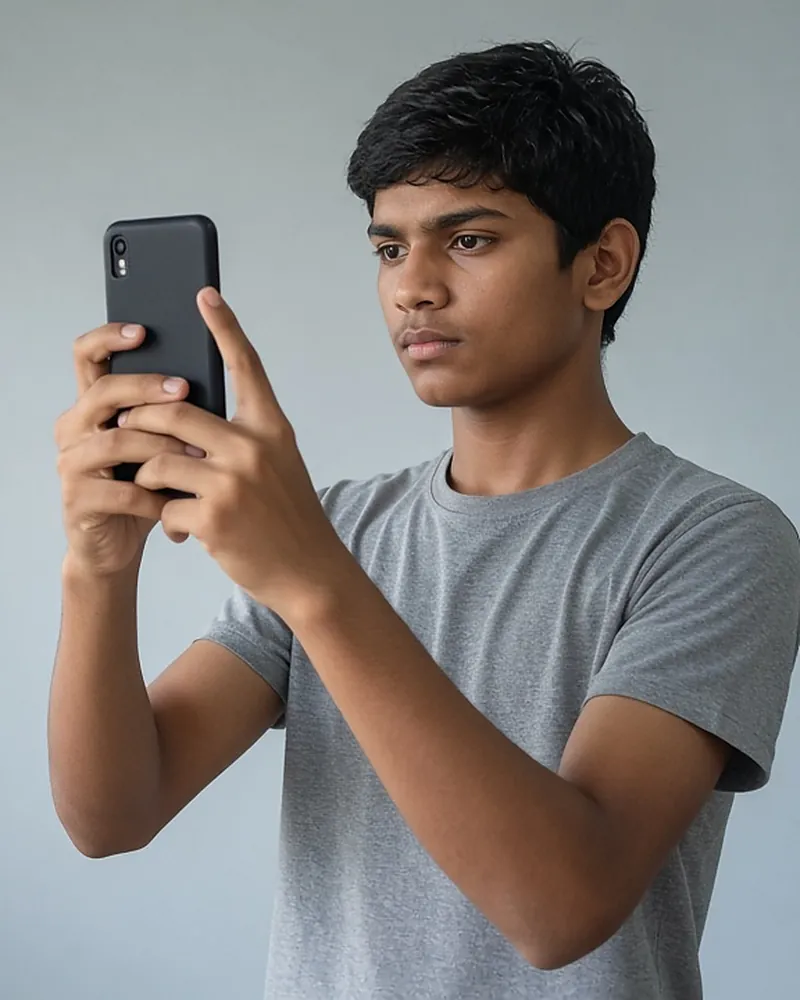
Face authentication is mandatory to generate OTR. The official steps are:
- Install AadhaarFaceRD (published by UIDAI) from Google Play.
- Install the NSP OTR app from Google Play.
- Open the NSP OTR app and choose “eKYC with FaceAuth”.
- Enter the reference number and complete the OTP and face capture as the app instructs.
When face authentication succeeds, your 14-digit OTR number is generated and sent to your registered mobile. Note it down and keep it safe.
Official app links: NSP OTR app · AadhaarFaceRD.
Whose face is captured? It is the face of the Aadhaar holder used for eKYC. That is you if you used your own Aadhaar, or the parent or guardian if you are a minor using their Aadhaar.
Fixing face authentication problems
The portal publishes two specific warnings, and the OTR FAQ adds advice on lighting.
| Problem | What the official notice says to do |
|---|---|
| Error 904 during face authentication | Update the UIDAI AadhaarFaceRD app from the Play Store, then try again |
| Face authentication keeps failing | Check that the Aadhaar holder’s biometrics are not locked. Use the mAadhaar app or the myAadhaar portal. The status must be “Unlocked” |
| Face not captured | Hold the phone in the correct position and use good, even lighting |
| Still stuck | Use a CSC, where biometric authentication is done for you, or call the NSP helpdesk |
UIDAI explains how to lock and unlock biometrics on its Aadhaar lock/unlock FAQ. If you unlock biometrics for OTR, you can lock them again afterwards in the same way.
Install both apps only from Google Play. Never install a file sent over WhatsApp or downloaded from an unknown website.
OTR at a Common Service Centre
NSP services are available at CSCs. The official OTR FAQ (question 31) puts the total charge per candidate at Rs 30, including all taxes. That covers the reference number, biometric authentication, OTR generation and filing the complete scholarship application. At the CSC you need:
- an active mobile number
- the Aadhaar number
- the student, parent or legal guardian present in person for biometric authentication
- Aadhaar seeded with a bank account (desired)
Find your nearest centre with the CSC locator. Pay no more than the charge the portal states.
Forgot your OTR, reference number or password
- Forgot OTR number: use “Forgot OTR Number” and give the Aadhaar number you used for eKYC.
- Forgot reference number: use “Forgot Reference no” with the same Aadhaar number.
- Password not received, or forgotten: use “Forget Password” under OTR login in the student section.
- Log in another way: “Login with Aadhaar” lets you sign in to OTR with your Aadhaar number and an OTP sent to the Aadhaar-linked mobile. The scholarship application itself also accepts login with Aadhaar or APAAR.
Keeping your OTR profile correct
Most details can be updated after OTR. Do this before you submit a scholarship application, because the application form takes its details from OTR.
| You need to change | Where |
|---|---|
| Mobile number | “Change Mobile No.” on the registration page, after OTP on your current mobile or Aadhaar |
| “Update Email” in OTR, verified by OTP | |
| Name spelling (parent/guardian Aadhaar case) | “Update Profile” in OTR |
| Details changed in Aadhaar | “Refresh e-KYC” in OTR |
| Bank seeding shows “Not seeded” | “Aadhaar Seeding → Check it now” in Profile Details |
After changing anything in OTR, log in to the application form, open My Profile and use the refresh options (Refresh Mobile No., Email ID from OTR; Refresh eKYC Details from OTR). This copies the new details into your application. If your application is already submitted, you can only bring in new eKYC or parent details by withdrawing it and applying again while the scheme is still open.
Two deadlines inside OTR
OTR made with an EID. If you generated OTR with an Aadhaar Enrolment ID, the portal asks you to add your Aadhaar details within one month. Otherwise the OTR may be suspended or your application may stop being processed. When your Aadhaar arrives, submit it and complete eKYC with face authentication.
Turning 18. If your OTR was made with a parent’s or guardian’s Aadhaar, you must update it with your own Aadhaar when you turn 18. Your eKYC status shows “pending” until you complete your own eKYC with face authentication. Do this before applying, so that verification is not held up.
If you are a minor: what parents should know
Students without their own Aadhaar can complete OTR using a parent’s or legal guardian’s Aadhaar. In that case:
- the mobile number used must be linked to that parent’s Aadhaar, or to the student’s enrolment ID
- face authentication is done against that parent’s Aadhaar, so the parent or guardian needs to be present
- OTPs, including those for Link Renewal Application in later years, go to the mobile linked to the parent’s Aadhaar
- when the student turns 18, the portal shows a reminder, and the student must update OTR with their own Aadhaar and complete eKYC with face authentication. Until then, the eKYC status stays pending.
If the student has only an Aadhaar enrolment slip, the OTR can be made with the EID. The Aadhaar number must then be added within one month, or the OTR may be suspended and application processing stopped.
Common OTR mistakes
- Using a mobile number that is not linked to the Aadhaar being used, so OTPs never arrive.
- Leaving Aadhaar biometrics locked, so face authentication fails every time.
- Using an outdated AadhaarFaceRD app, which causes error 904.
- Trying face authentication in poor light, or holding the phone at an angle.
- Forgetting to finish face authentication after eKYC. The reference number stays valid, but no OTR is issued until this step is complete.
- Waiting until the last week of the application window. OTR is open all year, so do it early.
After you have your OTR
With your OTR you can log in to the application form, complete Basic Information and apply. Continue with how to apply and keep the documents checklist handy. Renewing students who made a new OTR with their own Aadhaar may need to link last year’s application. See renewal.
FAQ
How do I generate OTR on NSP?
Register your mobile number, complete Aadhaar or EID eKYC to get a reference number, then complete face authentication with “eKYC with FaceAuth” in the NSP OTR app. Your OTR arrives by SMS.
Is OTR free?
Yes. The OTR FAQ says One Time Registration on NSP is free. A CSC may charge Rs 30 in total for doing the whole process for you.
Can I make OTR without Aadhaar?
Yes, with an Aadhaar Enrolment ID, or, if you are a minor, a parent’s or legal guardian’s Aadhaar. With an EID, you must add your Aadhaar within one month.
What is the reference number?
A temporary number you get after eKYC. You use it in the NSP OTR app to finish face authentication, which then generates your OTR.
What does error 904 mean?
The portal tells students who see error 904 to update the AadhaarFaceRD app from the Play Store.
Do I need a new OTR every year?
No. OTR is valid for your entire academic career.
I have an iPhone. What can I do?
The NSP OTR app is published on Google Play. Use any Android phone, such as a family member’s, or go to a CSC.
For help, see the helpline page.
Is OTR open all year?
Yes. The Ministry of Electronics and IT has said the OTR module is available throughout the year, not only when schemes are open.
Was face authentication always required?
It was optional in 2023-24. OTR, with face authentication, has been required since 2024-25.
Last reviewed: 13 November 2026.